
What a before-and-after gallery does well, where it fails with full-arch patients, what a smile simulator adds, and how to use both so the website produces more consults.
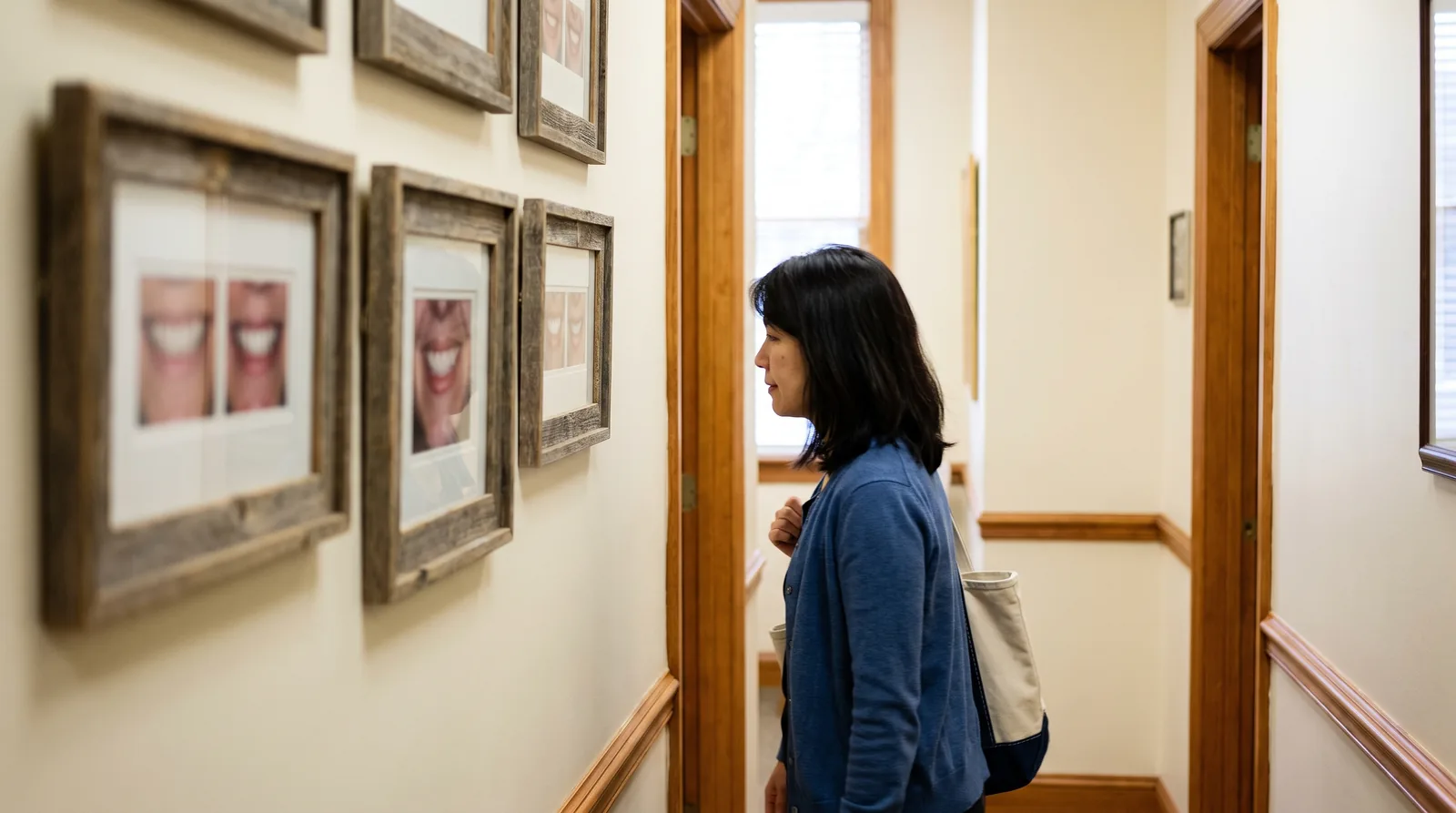
Every implant practice website has a before-and-after gallery, and most practice owners believe it is the page that sells. It does sell, in one specific way: it proves the surgeon can do the work. What it does not do is show the visitor what the work would look like on them. The visitor is looking at someone else's face, and a full-arch patient who has spent years hiding their smile does not easily see themselves in a stranger's result.
A smile simulator does the opposite. It puts the visitor's own face in the after, and it asks for nothing first. It also proves nothing about the surgeon, because the preview is a rendering, not a case. The two tools answer different questions, and the practices that convert the most consults from their websites are the ones that have stopped treating them as alternatives.
This guide covers what each one does well, where each one falls short, which one produces the booking, and how to arrange both so the page earns trust and the click.
What does a before-and-after gallery do well?
It proves skill, sets realistic expectations, and lets a patient find a case that looks like theirs. A gallery of real full-arch cases, photographed consistently and labeled by situation, is the strongest credibility asset on an implant practice's website. The guide to getting more Google reviews for an implant practice makes the same point about reviews that mention implants: specific proof moves full-arch patients, and generic proof does not.
Where it earns the consult
A patient in their late sixties with failing lower teeth wants to see a patient in their late sixties with failing lower teeth, and then the result. If the gallery has that case, the patient believes the practice has done this before, on someone like them. That belief is what the consultation is built on, and no simulator supplies it.
Where it falls short
The face is never theirs. Severe cases are underrepresented, because practices show their prettiest results, so the patient with the worst situation finds no match and concludes they are beyond help. Galleries also age, go unlabeled, and get buried three clicks deep. And every photo in them requires written patient authorization specifically for marketing use, because a full-face photograph is identifying health information, which means a gallery is a compliance file as much as a sales page.
What does a smile simulator do that a gallery cannot?
It shows the visitor their own result, and it produces an action. The visitor uploads a smiling photo, sees their own face with a full smile in seconds, and is offered a button to book. The guide to why an implant practice website needs a smile simulator covers the mechanism in detail. The short version is that the preview turns a passive reader into someone who has pictured the outcome and chosen to go further.
Where it earns the consult
On the patient who was never going to call after looking at strangers. The simulator works in private, at home, with no one watching, which is the only setting in which many full-arch patients will take a first step. It also works for every visitor, including the ones whose situation the gallery does not show, because the input is their own photo.
Where it falls short
It is a visualization, not a prediction, and the page has to say so. It proves nothing about the surgeon, the plan, or the final prosthesis. A visitor who has seen a preview still needs a reason to believe this practice can deliver something close to it, and that reason is the gallery.
Which one books more consults?
The simulator produces the click, and the gallery removes the doubt that would have stopped it. Asked which one books more, the honest answer is that a page with only a gallery converts the visitors who were already going to call, and a page with only a simulator produces bookings from people who then look for proof and may not find it. A page with both produces more bookings than either alone, because the two cover each other's gap.
There is no universal number for how many more, and a vendor who quotes one is guessing. The number a practice can trust is its own, measured the way the guide to what a full-arch case costs to acquire describes: consults booked, consults held, and cases accepted from the page, before and after the simulator is added. Previews are not the metric. Bookings are.
How to run the comparison
Take the full-arch landing page or the implants service page and track bookings from it for a month as it is. Add the simulator button under the hero and above the gallery, and track the same page for the next month. Hold the ad spend and the rest of the page steady. The guide to the full-arch landing page that converts covers what else on the page affects the result, and why only one variable should change at a time.
How should an implant practice use both?
Put the simulator where the visitor decides to act and the gallery where the visitor decides to believe, and connect them.
- Curate the gallery to six to ten real full-arch cases, photographed under the same lighting from the same angles, grouped by situation (failing teeth, long-term denture wearer, bone loss, single arch, both arches). Fewer, labeled cases beat a wall of unlabeled smiles.
- Place the simulator button near the top of the implants page and the landing page, above the gallery, with a second button directly under the gallery for the visitor who scrolled through the proof first.
- Put the simulator's booking button on a page that shows two or three gallery cases, so the visitor who saw their own preview a moment ago immediately sees real results that look like it.
- Open the consultation with the patient's own preview and then walk through a gallery case that matches their situation. The [full-arch consultation script](/grow-your-practice/blog/full-arch-consultation-script) is built around the patient's goal, and the preview is the goal in a picture they made.
- Use both in the follow-up. A quiet patient can be sent their own preview link and a matching case in the [post-consult follow-up sequence](/grow-your-practice/blog/post-consult-follow-up-sequence).
- Keep the simulator's disclaimer visible. Overpromising with a rendering costs the trust the gallery earned.
What about patient consent and privacy for each?
They are opposite problems. The gallery is made of real patients' identifiable images, so every case needs a signed authorization that names marketing as the use, is specific about where the images will appear, and can be revoked, and the practice has to keep those forms and honor a revocation by taking the case down. State dental boards also have advertising rules about before-and-after images, which vary and are worth checking.
The simulator carries no patient images at all if the vendor is chosen correctly. The photo belongs to the visitor, and a well-built simulator never stores it: the photo is resized in the visitor's browser, sent once to create the preview, and the result goes straight back to their screen. The practice holds nothing, which is the point. A simulator that stores photos so the practice can review them turns the privacy advantage into the gallery's problem, without the authorization. Ask any vendor for the retention policy in writing before signing.

What should the gallery look like in 2026?
Shorter, labeled, and honest. A practice that shows a severe case and its result does more for full-arch bookings than a practice that shows twenty cosmetic smiles, because the full-arch patient is looking for permission to believe their situation can be fixed. Include the patient's age range and the situation in a caption, show the final prosthesis rather than only the temporary, and remove any case that does not represent what the practice delivers now. Pair each case with a review that mentions it when one exists.
The Bottom Line
A before-and-after gallery proves the surgeon can do the work, and a smile simulator shows the visitor what the work would look like on them. The gallery earns belief and the simulator earns the click, and a page with both converts visitors that neither converts alone. Curate the gallery to labeled, authorized, real cases, put the simulator button above it and below it, open the consult with the patient's own preview, and measure bookings rather than previews. And when you are ready, add a free smile simulator to your practice website.
Get found by implant patients
Join the directory and start receiving qualified inquiries in your area. Plans start at $19.99/month.
Explore Listing Plans